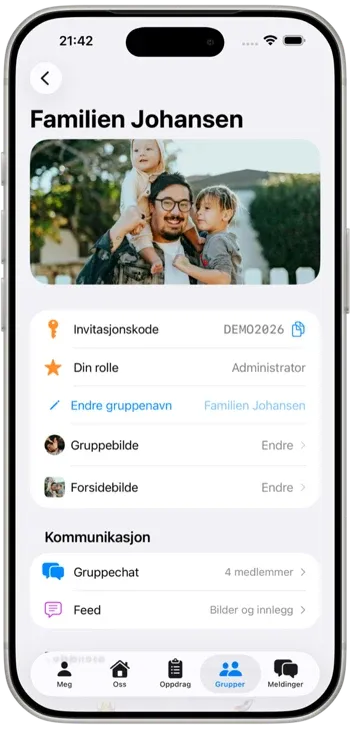
Set up your group correctly from day one so invitations, roles, and assignments work immediately.
- Go to Groups and tap Create group.
- Name the group so family members recognize it quickly.
- Share the invite code or join link.
- Set roles in Members: parent or sitter.
- Add children so assignments can be linked properly.